Standardizing AI Design: The Evolution of DESIGN.md
Teaching AI to understand a brand's visual identity with DESIGN.md

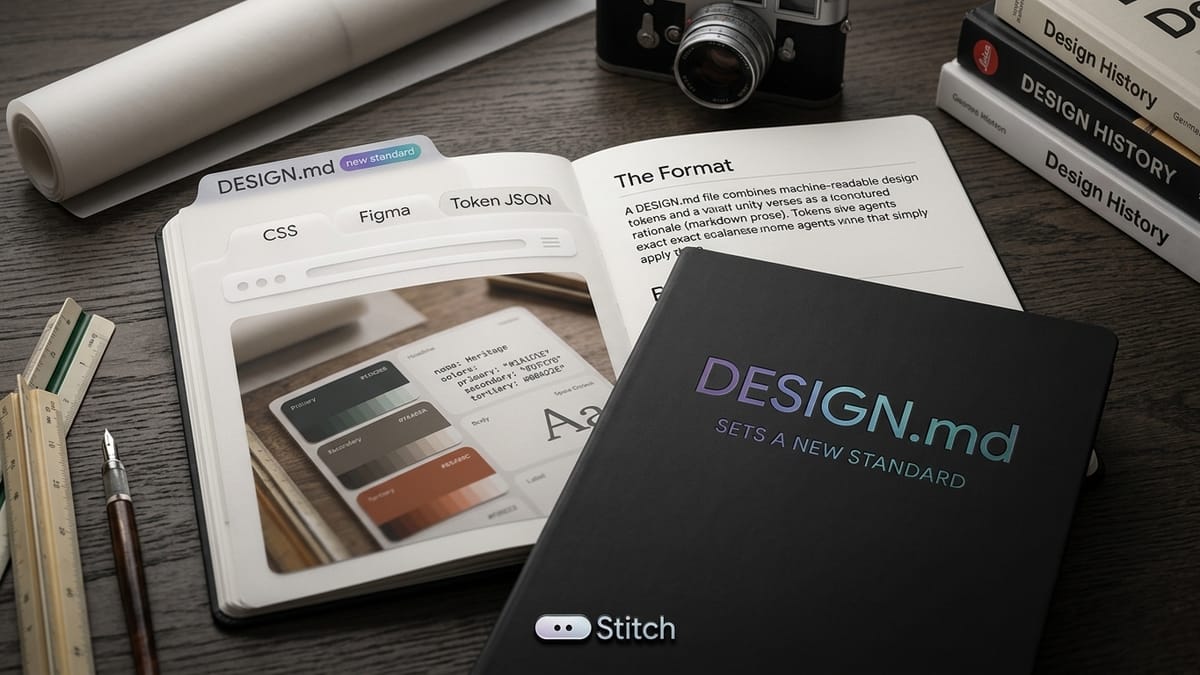
As AI coding agents become an integral part of the software development lifecycle, a new challenge has emerged: How do we teach an AI to understand a brand's visual identity?
If you just feed an AI a CSS file or a Tailwind configuration, it knows what the hex codes are, but it doesn't know why they exist. It doesn't know that #061b12 is meant to convey authority, or that a specific serif font is used to create an editorial feel. Without this context, AI-generated UI elements often look generic or fail to adhere to the nuanced rules of a company's design system.
Enter DESIGN.md.
Developed as a way to give AI agents (like Google Labs' Stitch) a persistent, structured understanding of a design system, DESIGN.md is rapidly becoming an industry standard. Recently, the team behind it announced a major update, introducing a formal specification, a new tokens architecture, and a CLI linter that allows AI to self-correct its own design work.
Here is why DESIGN.md is shifting the paradigm of AI-assisted design, and why you should be using it.
Bridging the Gap Between Prose and Code
In traditional web development, design systems are usually split in two. The reasoning...the human-readable guidelines explaining when to use a specific color or font...lives in a style guide, a Figma file, or a Notion document. Meanwhile, the values—the exact hex codes and pixel measurements—live in machine-readable config files.
Over time, these two sources almost always drift apart. A developer tweaks a hex code in the config file, but the style guide goes un-updated.
DESIGN.md solves this by merging them. It utilizes YAML frontmatter for machine-readable data, and standard Markdown prose for human-readable reasoning. When an AI agent reads a DESIGN.md file, it gets the exact hex code and the explanation of how to use it, all in one pass.
Tokens as Roles, Not Variables
A defining philosophy of DESIGN.md is its approach to tokens. In many legacy systems, a variable might be named something like $dark-green. But in DESIGN.md, tokens are treated as Roles or Decisions.
Instead of naming a color by its hue, it is assigned a role like primary.
- primary is the role: it dictates the main ink or text color of the page.
- #061b12 (Deep Midnight Forest Green) is simply the value filling that role right now.
This encourages semantic, role-based design. When an AI agent needs to generate a headline, it doesn't try to guess which green to use; it simply reaches for the primary role, knowing it is the designated color for foundational text.
This extends to the new Components section currently in development. Rather than hardcoding colors into buttons, components reference tokens directly (e.g., backgroundColor: "{colors.primary}"). If the brand identity changes tomorrow, updating the primary token cascades perfectly down through every component.
The Open Source Specification
What started as an internal tool for Stitch has wildly outgrown its original scope. Today, DESIGN.md files are being generated by various IDEs, agent tools, and open-source curators. To prevent the format from fragmenting into a dozen incompatible versions, the first draft of the DESIGN.md specification has been published on GitHub.
This specification provides a common ground. It sets baseline rules—such as requiring every file to have a primary color defined—while leaving plenty of room for custom extensions. By open-sourcing the spec, developers and designers can contribute to shaping the future of how AI interprets design.
Empowering AI with the CLI Linter
Perhaps the most exciting feature of the new update is the CLI linter (npx @google/design.md lint).
Because agents are now writing their own components into DESIGN.md files, they need a way to validate their work. The CLI linter allows an AI agent to literally check its homework against the specification.
In a recent demo, an AI agent was prompted to create a new accent button. It successfully wrote the code, combining a tertiary background color with primary text. However, when the agent ran the CLI linter, it threw a warning: the resulting contrast ratio was 1.00:1, well below the WCAG AA minimum accessibility standard for readability.
Armed with this feedback, the AI was able to recognize its mistake, swap the text to an on-surface color, and fix the accessibility issue before the code was ever deployed. The DESIGN.md file is no longer just a static document an agent consumes—it is an active environment the agent relies on to write better, more accessible code.
The Future of AI Design Systems
DESIGN.md represents a vital step forward in human-AI collaboration. By standardizing how we communicate visual identity, we can trust AI agents to build UIs that aren't just functional, but deeply aligned with our brand's aesthetic and accessibility requirements.
If you want to start building AI-resilient design systems, you can generate your first DESIGN.md in Stitch today, review the specification on GitHub, and start integrating the CLI into your workflow. The foundation for AI design has been laid...now it's time to build on it.
PS: Looking for an awesome cloud hosting?

30% off for 3 months + unlimited free migrations
Promo code: Migrate303
What you're actually getting with Cloudways:
- Up to 65% faster performance with their Lightning Tech Stack
- AI-powered performance insights via Cloudways Copilot
- Advanced NGINX stack optimised for dynamic workloads
- Scales well with WooCommerce, Magento, and modern web apps
- 24/7 expert support
PSPS:
I got tired of syncing my AI System Instructions across my laptop and PC when using Google's AI Studio. So... I built a Chrome Extension for it.
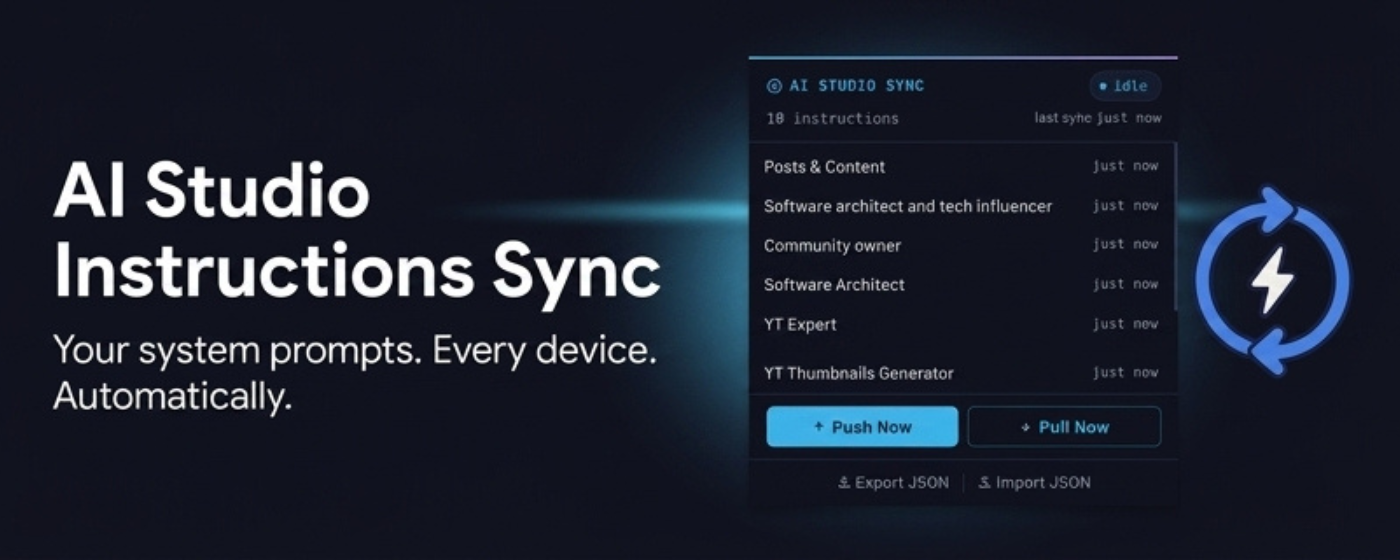
The extension seamlessly syncs System Instructions across machines. All you need to do is the following:
- Install the extension
- Authorize Google Drive (scoped, only has access to files that extension creates, never sees or touches any of your other files).
- Let it sync!
See the GitHub Repo and the detailed article.
And by the way, feel free to add your thoughts in the comments. I read them all!
~ Ahsan